DApp Integration with Skills
This guide shows the fastest way to integrate your DApp with Ring Wallet using Skills.
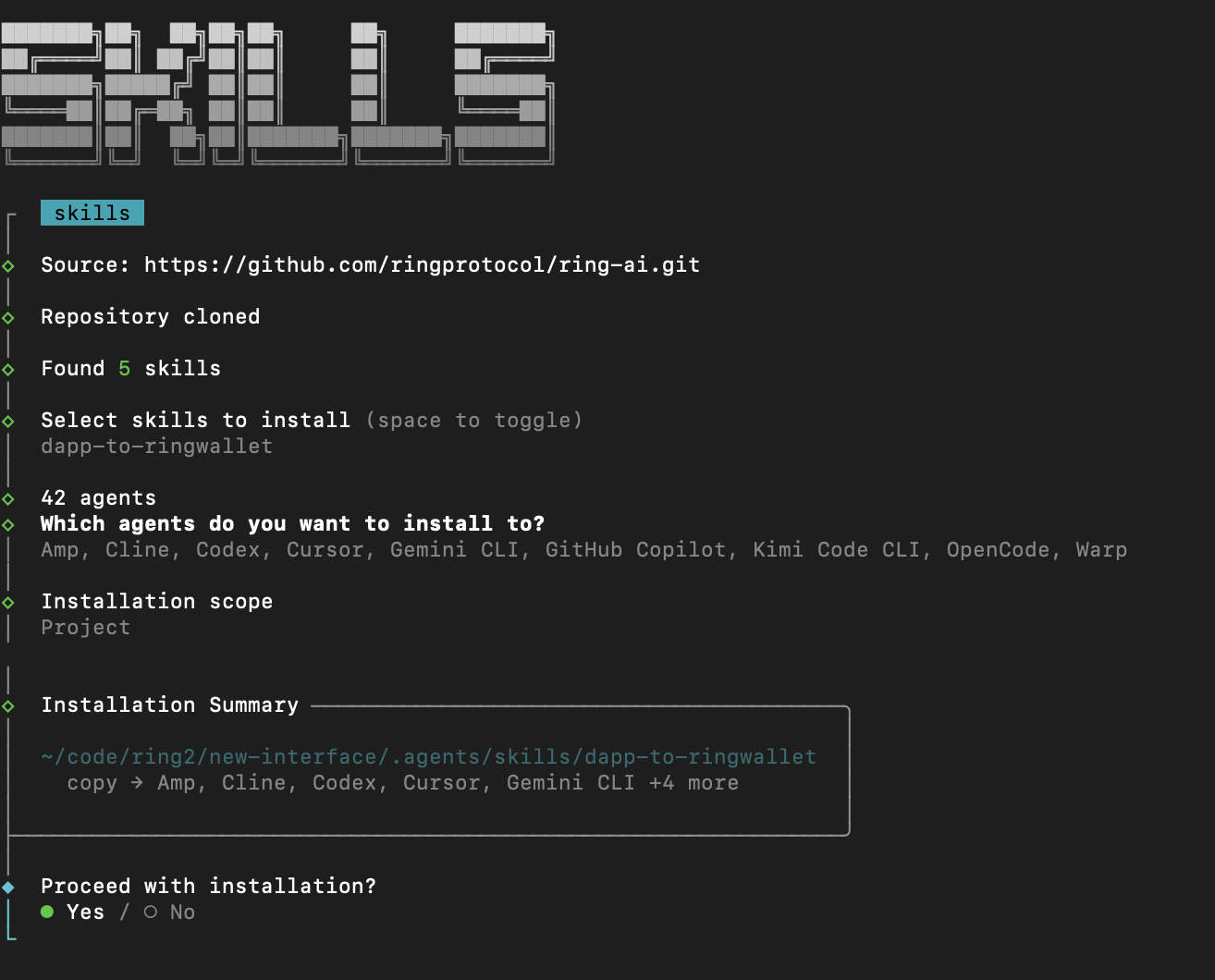
1. Add Ring AI Skills
Run:
npx skills add ringprotocol/ring-ai
2. Select and Install the Skill
Choose the skill:
dapp-to-ringwallet
Recommend: Install in .agents dir for current Projects.
Then complete the install flow in the prompt.
3. Tell Your AI Agent to Use the Skill
After installation, the skill will be available locally (commonly under a folder like .skill/).
In your AI tool, explicitly tell the model where the skill lives and what you want it to do. For example:
Prompt:
Follow .agents/.skill/dapp-to-ringwallet to modify this dapp project.
4. Verify the Integration
After applying the skill:
- Register DApp with Ring Wallet with the deployed DApp URL.
- Test DApp with Ring Wallet